
ASUS Router Troubleshooting
Fix ASUS router, Wi-Fi, internet, login, firmware, and AiMesh problems with clear step-by-step troubleshooting guides.
Popular ASUS Router Problems
Start with one of the most common ASUS router problems.
Problem
No Internet | Fix an ASUS router that is connected but has no internet. |
Wi-Fi Keeps Disconnecting | Troubleshoot repeated wireless disconnections. |
Slow Wi-Fi | Find common causes of slow ASUS Wi-Fi. |
Login Problems | Fix ASUS router login and 192.168.1.1 problems. |
Firmware Problems | Troubleshoot failed or interrupted firmware updates. |
AiMesh Problems | Fix offline, slow, or disconnected AiMesh nodes. |
→ View all ASUS router problems
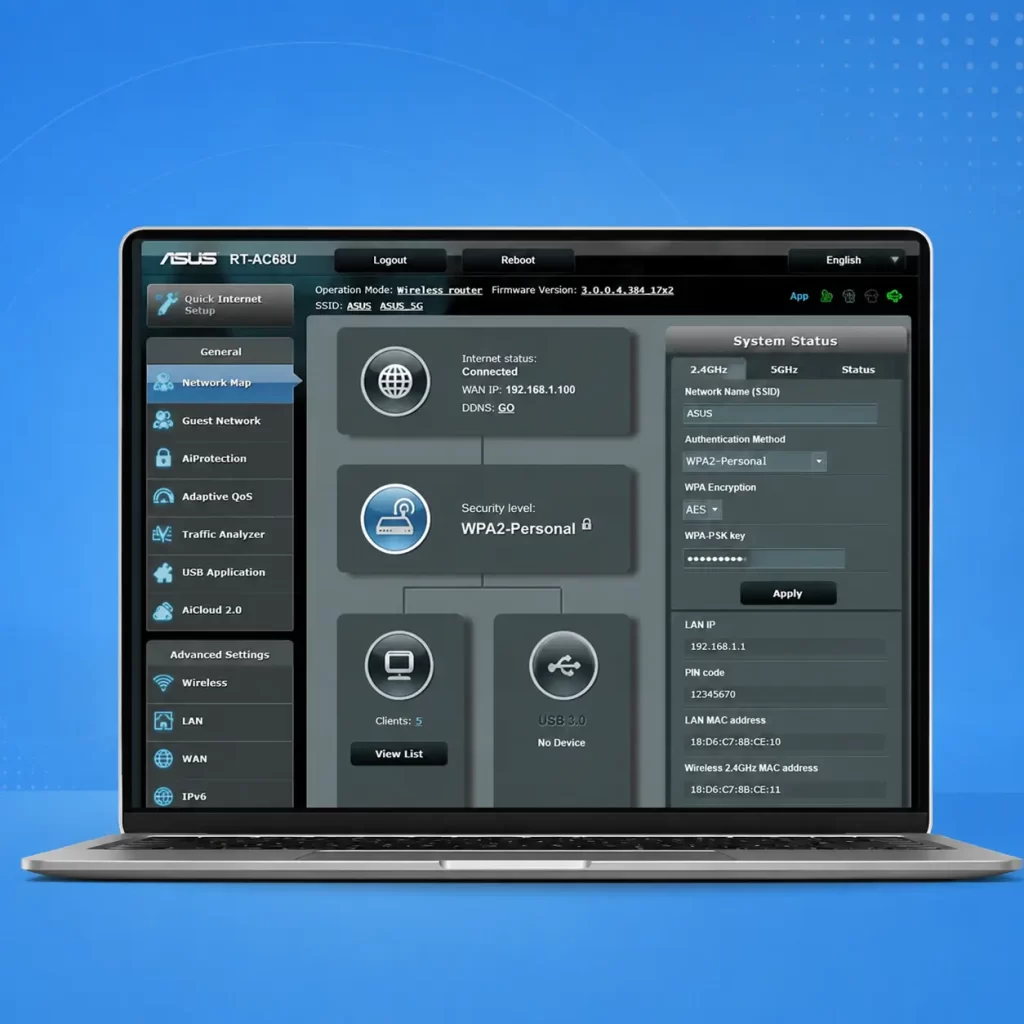
Troubleshoot ASUS Router by Problem
Choose the type of problem you’re experiencing.
Internet Problems
- ASUS Router Not Working
- ASUS Router No Internet
- ASUS Router Offline
- ASUS Router Internet Problems
- ASUS Router Not Detected
- ASUS Router Red Light
Wi-Fi Problems
- ASUS Wi-Fi Not Working
- Wi-Fi Keeps Disconnecting
- Wi-Fi Signal Weak
- Wi-Fi Slow
- 2.4 GHz Not Working
- 5 GHz Not Working
- 6 GHz Not Working
- Device Cannot Find Wi-Fi
Login & Setup
- ASUS Router Login
- Login Not Working
- Router Setup Page
- Router App Setup
- Connect Router to Modem
Firmware Problems
- Update Router Firmware
- Firmware Update Failed
- Firmware Recovery
- Rescue Mode
- Firmware Problems
AiMesh Problems
- AiMesh Setup
- Node Not Connecting
- Node Offline
- AiMesh Slow
- Backhaul Problems
- Signal Problems
Router Settings
- Change Wi-Fi Password
- Change Wi-Fi Name
- Guest Network
- Parental Controls
- Port Forwarding
- VPN
- DNS
- DHCP
- QoS
Troubleshoot My ASUS Router
Not sure what's wrong? Use our troubleshooting tool to narrow down the problem and find the right guide.
Popular ASUS Routers
Looking for help with a particular ASUS router?
Popular ASUS Router Guides
Start with one of our most useful troubleshooting and setup guides.
Internet & Login
Wi-Fi Issues
Troubleshooting
Why Choose the Router Help Desk?
We create independent ASUS router troubleshooting and setup guides designed to help you identify and fix common network problems quickly and clearly.
Independent
This is an independent troubleshooting resource and is not affiliated with or endorsed by ASUS.
Model-Specific
Our guides highlight important differences between ASUS router models and firmware versions where they matter.
Step-by-Step
We start with simple checks before moving to advanced router settings, making troubleshooting easier.
Updated
Our guides are reviewed as firmware and router features change, so instructions stay relevant.
Frequently Asked Questions
Find quick answers to the most common ASUS router questions.
How do I troubleshoot my ASUS router?
Why does my ASUS router have no internet?
Why does my ASUS Wi-Fi keep disconnecting?
How do I access my ASUS router?
How do I fix an ASUS AiMesh node that is offline?
Should I factory reset my ASUS router?
Find the Right ASUS Router Solution
Whether you're dealing with no internet, slow Wi-Fi, login problems, firmware errors, or an offline AiMesh node, start by selecting the problem that best matches your situation.
Disclaimer
Router Help Desk is an independent informational website and is not affiliated with or endorsed by any router manufacturer, ISP or third-party brand mentioned on this site. Information is provided for general guidance only and may vary by device, model or software version.